
No more messy spreadsheets or hoping your formulas work. Climatiq for Google Sheets gives you the vetted emissions data and formulas you need to smoothly deliver compliant CO2e estimates across scopes 1, 2, and 3.


Work directly within existing sheets and skip the learning curve of a new platform.
Use certified calculation logic and the world’s largest database of emission factors.
Every calculation has a full audit trail, giving you total clarity and repeatability.
.gif)
Directly integrate the world’s largest database of emission factors—which is constantly updated and expanded.
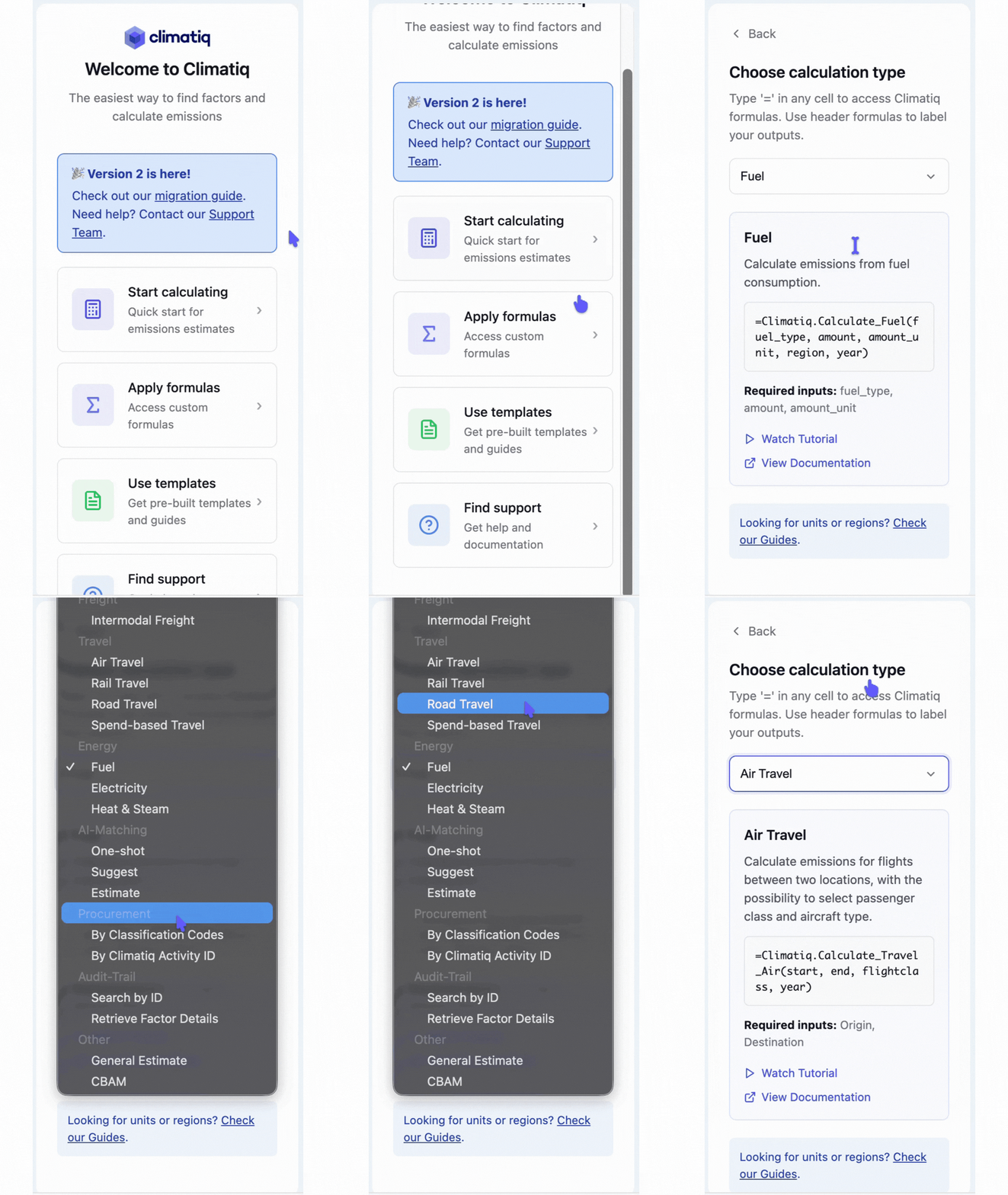
Built-in emissions calculation formulas covering fuel, electricity, procurement, freight, travel, and more.
AI-powered matching interprets input text and returns suggested emission factors across scopes 1, 2, and 3.
Simply click and drag to request bulk calculations across your data to report at scale.
All formulas use GHG Protocol- and ISO 14067-approved calculation methodology to deliver accurate results.
Clear audit trails mean that you can always answer any questions about your data or methodology.
1. Install the add-in via the Google Workspace Marketplace.
2. Open your spreadsheet with business activity data.
3. Use Climatiq formulas to transform data into CO2e estimates.
You can also check our documentation for tips on how to use the add-in.
Sign up here to try IT OUT
Our Google Sheets add-in is free for non-commercial use, supporting up to 250 calculations per month.
For commercial or large-scale usage, please contact our sales team.
*Please note that while calculations using ecoinvent and IEA emission factors are possible in our Google Sheets integration, the raw emission factors cannot be displayed nor downloaded.
PCF (Product Carbon Footprint)

Freight Shipping & Transport Emissions
Purchased Goods & Services Emissions
Travel Emissions
CBAM Emissions
Excel Carbon Footprint Calculator
Google Sheets Carbon Calculator
Flights & Air Cargo Emissions
Scope 3 Emissions
Energy Emissions
E-Commerce Shipping Emissions
Supply Chain Emissions


.svg)


